
Your journal stays current after every trade — automatically
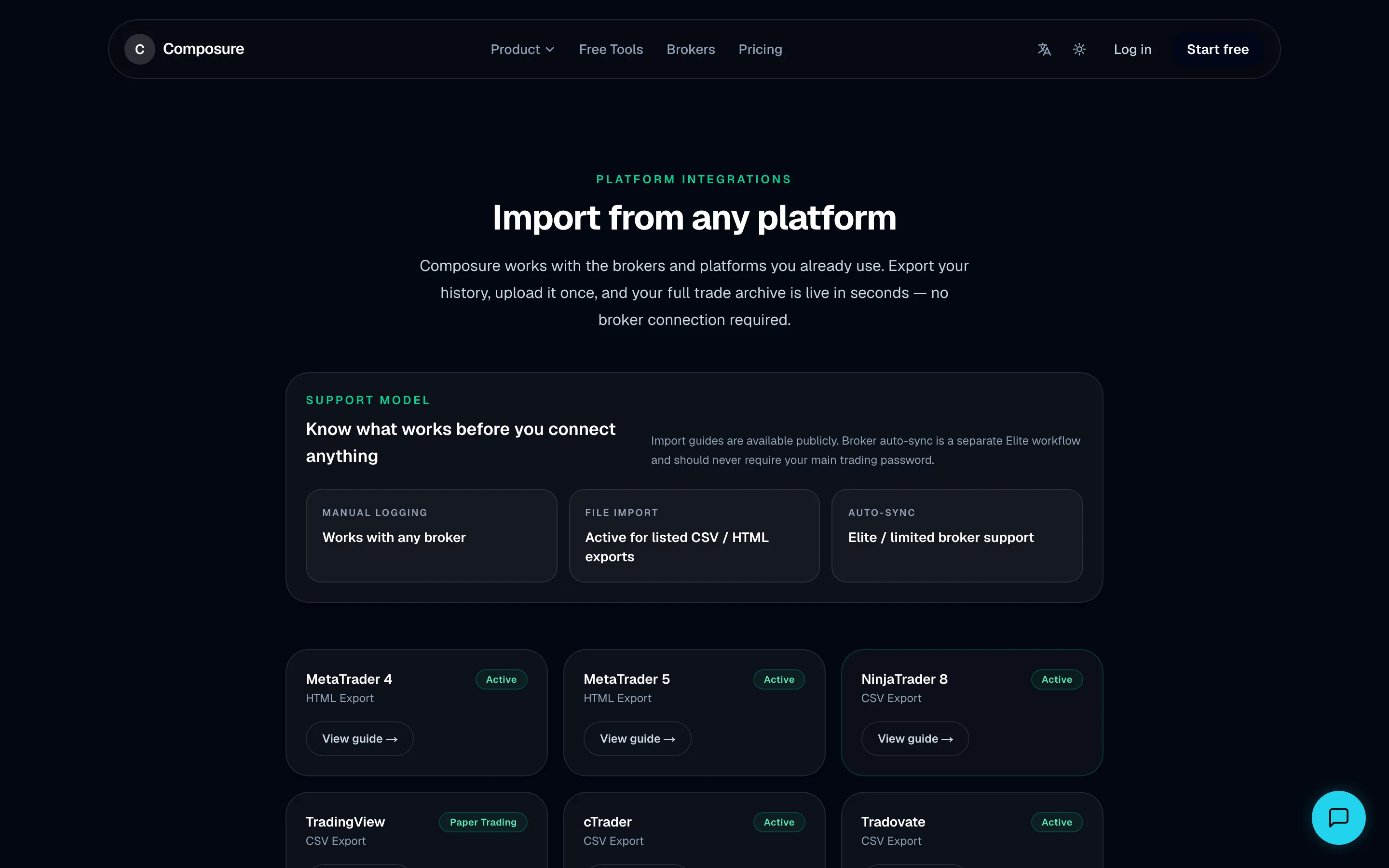
Install the free Composure EA on your MT4 or MT5 and every closed trade flows into your journal automatically. No manual entry, no CSV exports, no copy-paste from your terminal.
Manual trade logging takes 10 minutes per session — so it never gets done consistently.
Every closed trade is imported automatically the moment it closes.

CSV exports are stale, messy, and require reformatting before you can use them.
The EA pushes trades in real time with the fields Composure already expects.

You do not trust a third party to store your broker credentials.
The Composure EA runs locally in your terminal — no credentials leave your machine.

Written from real data
Explore the live demo →75
trades analysed
+$19,199
net P&L journaled
63%
win rate tracked
2.18
profit factor computed












Sample account figures — illustrative, not real trading results. Platform names are used for identification only.
Why ours wins
What typical journals do — and what Composure does instead
Free forever. No credit card. Your data stays private.